

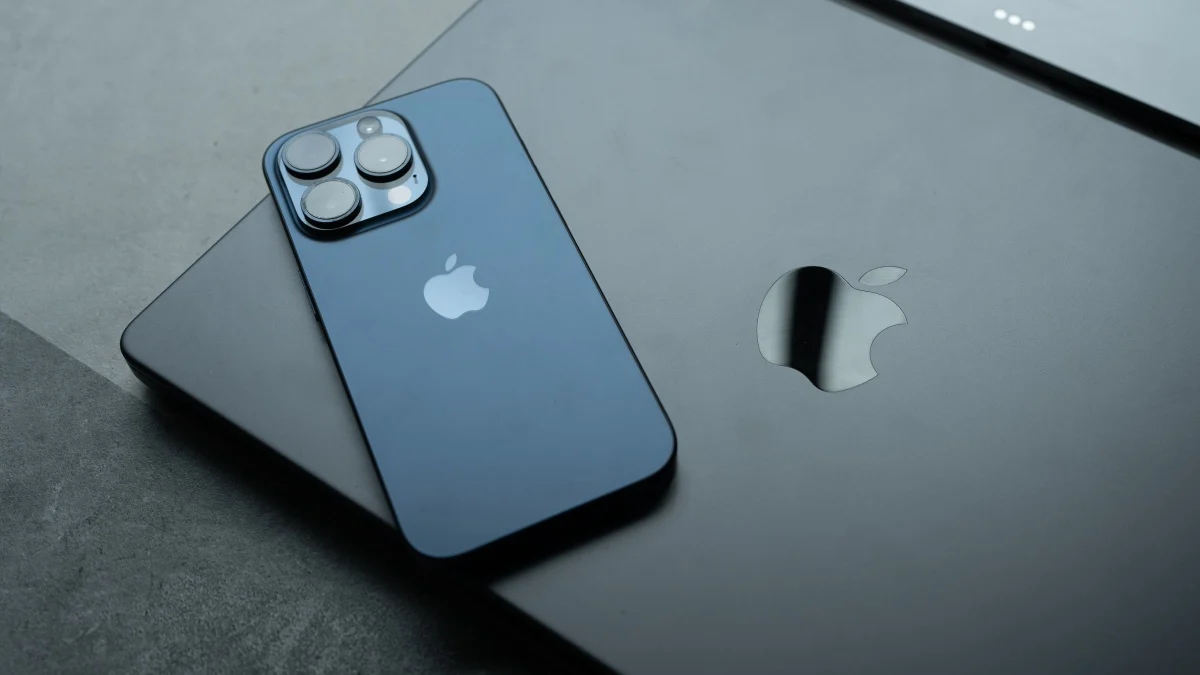
On Tuesday, Apple dropped the first developer betas for iOS 26.2 and macOS 26.2. While these updates aren’t as massive as iOS 26 or macOS 26 were, 26.2 includes a number of new features and changes, including the ability to add alarms to reminders, and changes to how Apple calculates the Apple Watch’s new Sleep Score. Despite these fun adjustments, I couldn’t recommend that users install the new updates on their personal devices. Three days later, I still don’t recommend it, but I won’t necessarily dissuade you from it either, as the public betas for both updates are now available.
Developer vs. public betas
Before Apple releases any major software update to the general public, it first tests that software with smaller pools of users. This is known as beta testing. The company will first release a beta specifically designed for developers, which these devs can install on their devices to see how their apps perform with the upcoming update. They can then report any and all issues they encounter to Apple, who will fix those bugs with future beta updates.
After a short period of developer-only testing, Apple then releases the public beta. This beta is meant for any Apple user who feels a bit daring and wants to try new features early. The trade-off is that the software is not yet finished, so those users may still run into problems, which they can then report to Apple. Based on that feedback, Apple continues to fine-tune the update, and once it appears to be stable, it releases it to the general public.
In the past, Apple locked the developer beta behind its paid developer program, which costs $99. If you didn’t pay, you couldn’t access the developer beta, so you were either stuck waiting for the slightly more stable public beta, or finding the dev beta file somewhere on the internet. That latter option opens users up to malware, which could be why Apple dropped the paid requirement for the dev beta. Now, anyone who registers their Apple Account as a developer—regardless of whether or not they’ve paid to be in the developer program—can download and install the developer beta.
You’ve technically been able to run the 26.2 betas since Tuesday, if you wanted to go down that route. However, due to the nature of beta testing, the developer beta (and the first one at that) is the riskiest beta to install. It’s Apple’s first attempt at the beta, which means it’s largely untested. You might run into device-breaking problems, and without a proper backup, you could lose valuable information. While all betas carry risk, the public beta is at least tested enough to root out any of those critical flaws.
What do you think so far?
While I don’t recommend you run any betas on your personal devices, most of us don’t have spare iPhones and Mac lying around to run tests on. As such, if you’re going to install a beta, now’s the time to do it.
How to install iOS and macOS 26.2
Before you install a beta on your iPhone or Mac, make sure you’ve first properly backed up your important information. That means making a full backup of your iPhone on your Mac or PC, or a backup of your Mac information on a separate hard drive. If something goes wrong during beta testing, you’ll need to downgrade back to iOS 26.1 or macOS 26.1—and if you don’t have a proper backup, you’ll need to restore your device to factory settings to do it. Again, there are real risks here.
If you’re okay with those risks, and you made the proper backups, enroll your Apple Account in the public beta program. Once you do, you should be able to access the betas from any connected Apple Accounts. From here, head to Settings > General > Software Update (iOS) or System Settings > General > Software Update (macOS) and choose “Beta Updates.” Choose “iOS 26 Public Beta” or “macOS Tahoe 26 Public Beta,” then go back one page. Allow the page to load, then download and install the beta like any other update.
