

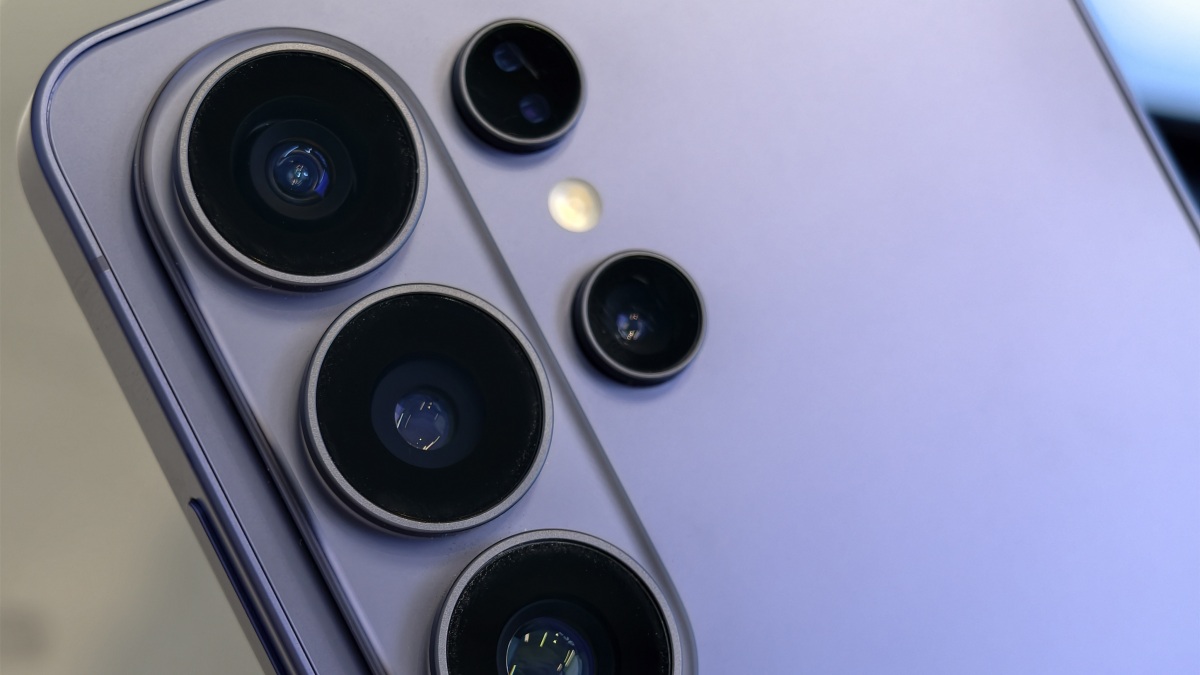
If you work from a laptop, your built-in webcam may suit you fine for video calls. But for those of us with external monitors, or laptops with subpar cameras, it’s helpful (or necessary) to seek out dedicated, high-quality webcams. Before you drop hundreds of dollars on one from Amazon, just use your smartphone. Your iPhone or Android very likely has native webcam support that makes it easy to tap into the phone’s camera for work or personal calls. I guarantee your phone has a better camera than your laptop—even if it’s not quite as convenient to use.
I was surprised to learn today, however, that Samsung Galaxy phones have not supported this feature. You’ve been able to turn Galaxy devices into webcams using third-party apps, but it was never baked into the OS itself. It’s not a huge deal, but it adds an extra hurdle that doesn’t need to be there, and likely reduces the chances that Galaxy users even know they can use their smartphones as a webcam.
Luckily, that’s no longer the case. As reported by Android Authority, Samsung is now rolling out webcam support to Galaxy S26 devices. That includes that Galaxy S26, S26 Plus, and S26 Ultra. Samsung isn’t putting its own spin on the feature, either: It works exactly as it does on Pixel, so if you’ve used Android’s built-in webcam feature, you know how this works.
This isn’t the only Galaxy S26-exclusive feature to drop this week. Samsung also rolled out AirDrop support for the S26 line, joining the Pixel 9 and Pixel 10 series. Now, these Android phones can send files wireless to iPhones via Quick Share, something that would have sounded impossible six months ago.
What do you think so far?
How to use your Galaxy S26 as a webcam
This is a pretty straightforward feature, assuming you have compatible equipment. First, on your S26, open USB settings, then, under “Use USB for,” choose “Webcam.” Next, plug your S26 into your computer. You should see an alert letting you know you’ve connected your phone via USB. Tap it, then choose “Webcam” when the option appears. Your phone should now be in webcam mode: Tap into the webcam alert that appears to see the viewfinder and set up your angle accordingly.
Now, you should see your S26 as a camera option in any video calling client you use. Just select it over your device’s webcam (or choose it as your camera if you don’t have one in the first place), and you should notice a bump up in camera quality.
